
Creator’s Alley
Spark a
fandom
of
your
own.
001
Getting started
Anyone can publish.
Whether you’ve been creating for years or you’re just getting started, Creator’s Alley is where you meet your readers and grow together.
Comic
/ episode
You can publish comics episode by episode.
NOVEL
/ chapter
You can publish novels chapter by chapter.
Publish
/ series
Set your rating, genre, and tags. Start publishing.
002
Benefits
Your
Schedule
Publish at your own pace, on your own terms. There’s no minimum number of episodes or chapters, and no fixed schedule to follow. Create and share when you’re ready.
• Flexible schedule
• No minimum episodes
• Your own pace
Your
Work
Your stories belong to you. You keep ownership of your work and the creative freedom to make it your way.
• Ownership stays with you
• Creative freedom
Your
Reach
Bring your stories to readers around the world. Your published series appears in Creator’s Alley, a dedicated space on Manta where readers can find and read your work.
• Global audience
• Series discovery
Your
Readers
Build a closer connection with your readers. Join conversations in the comments, hear their feedback, and share updates as you publish.
• Reader comments
• Direct feedback
• Creator updates
003
How publishing works
Set up once. Keep publishing.
001
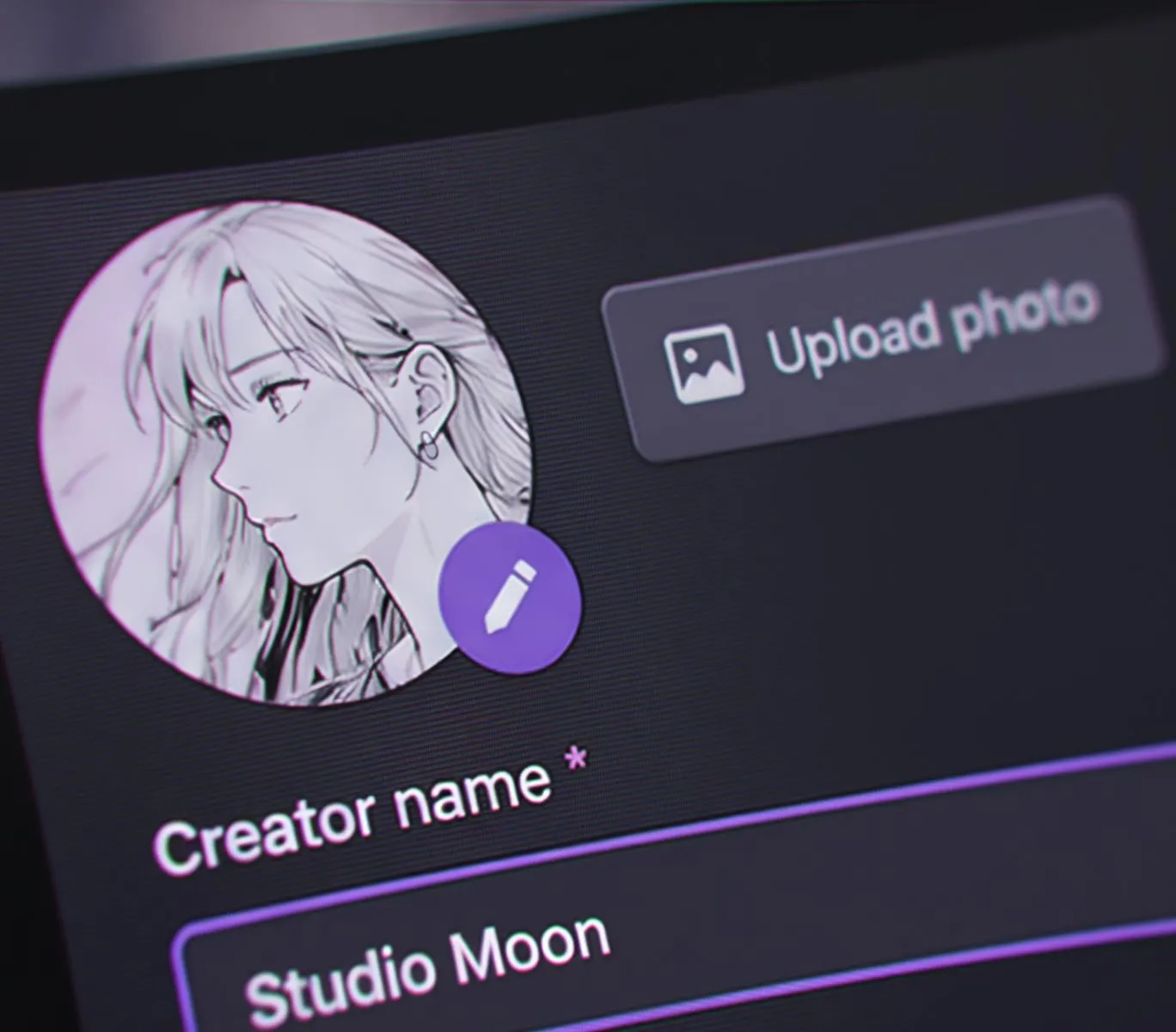
Create your account
Create your account and set up your creator profile. Once it’s ready, you can start publishing your own comics and novels.
002
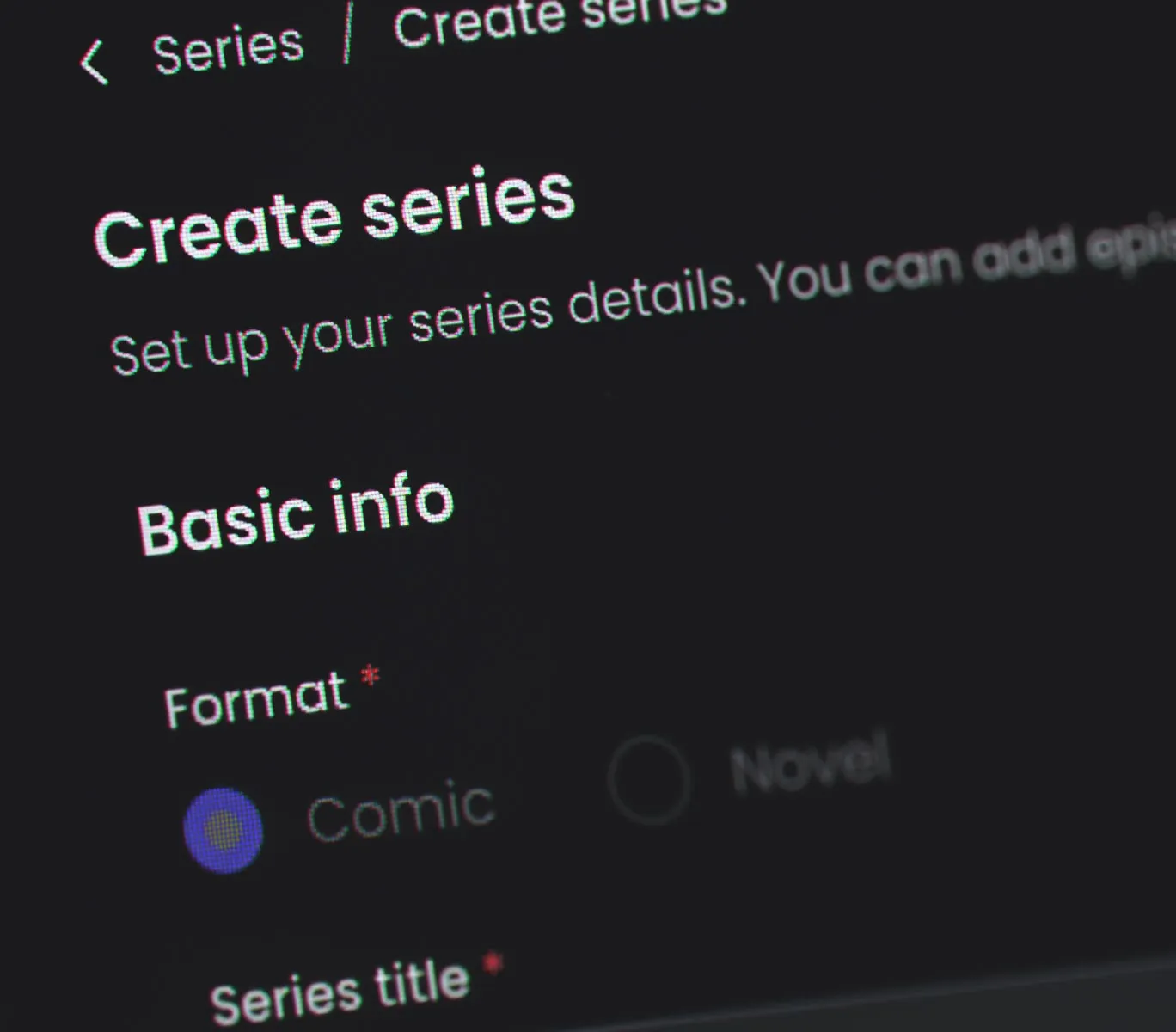
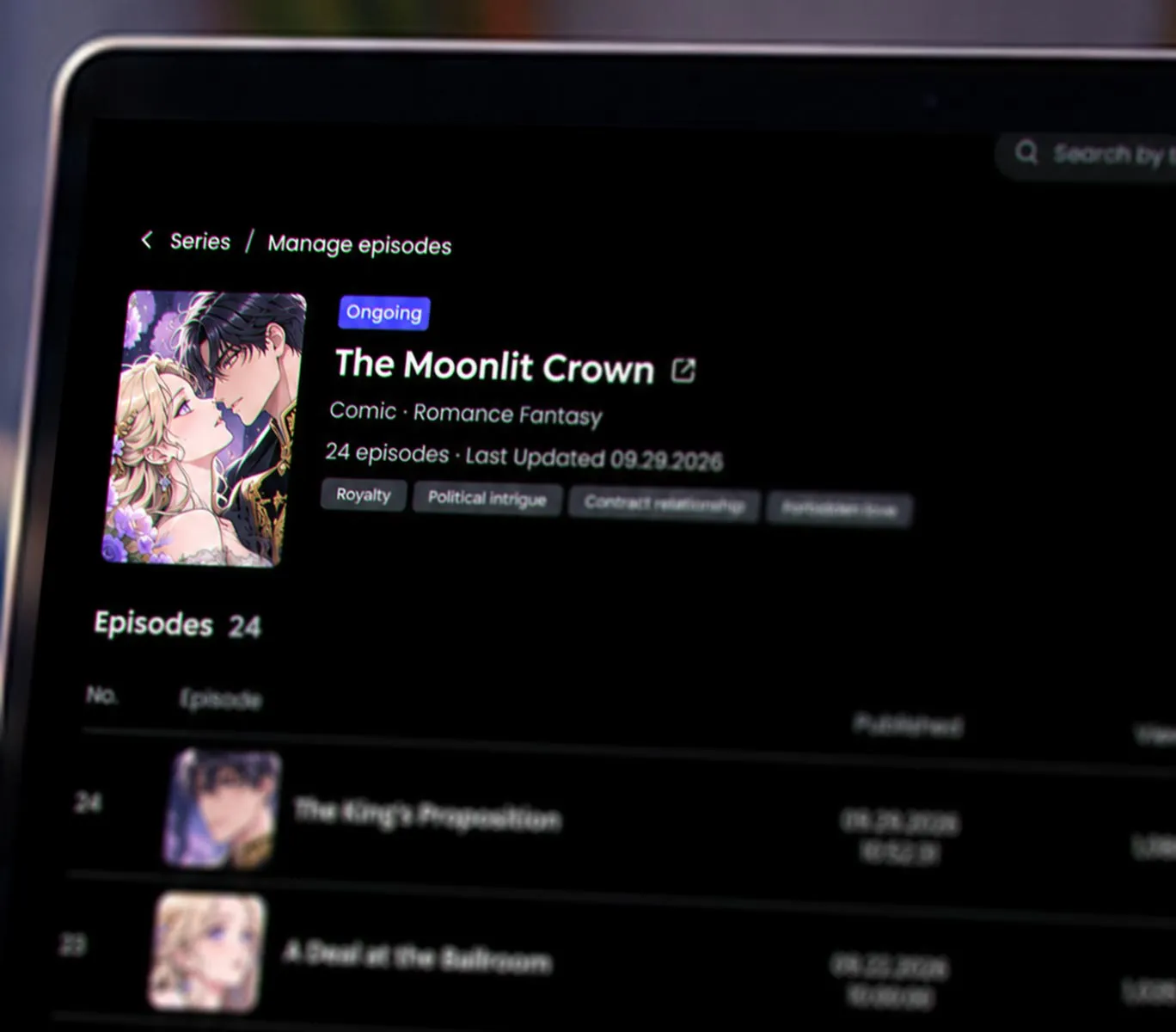
Set up your series
Give your series a title and set its age rating, genre, and tags. These details help readers discover and understand your story. You only need to set up your series once before adding episodes or chapters.
003
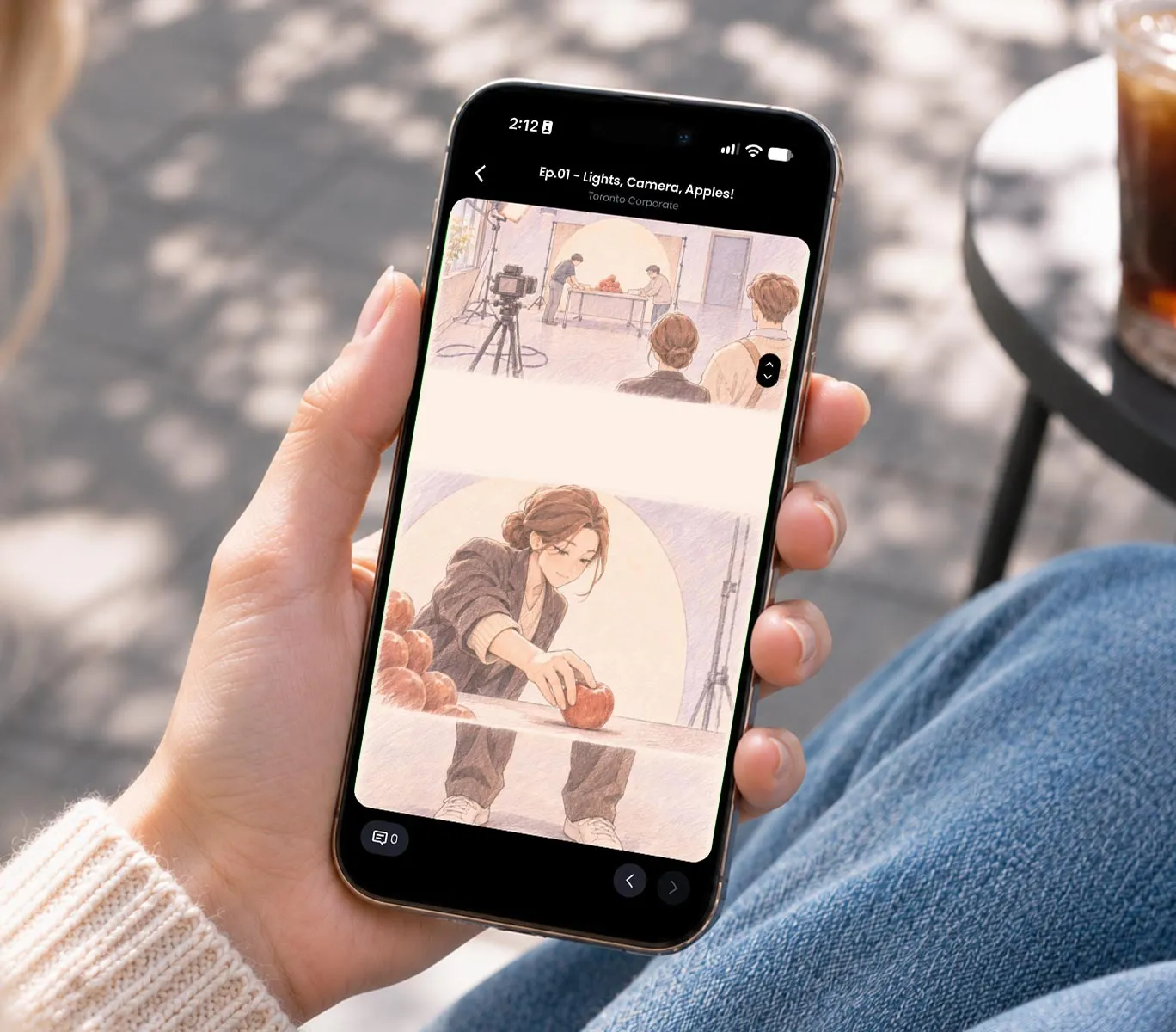
Add your first episode
Upload your first comic episode or novel chapter to bring your story to life.
004
Preview & publish
Preview your work to make sure everything looks just right. When you’re happy with it, publish for readers to enjoy. It goes live right away.
After your first publish
Once your series is created, just add new episodes or chapters whenever you’re ready. No need to start from scratch.
Series setup
Add episode
Publish
004
Before you start
Quick Answers Before You Publish
- /Q-01
No approval needed. Your episodes and chapters go live as soon as you publish them, as long as they follow our content guidelines.
- /Q-02
- /Q-03
- /Q-04